Unsigned Windows preview · Sept 22, 2026
Vivary
Your projects. Your agents. Your machine.
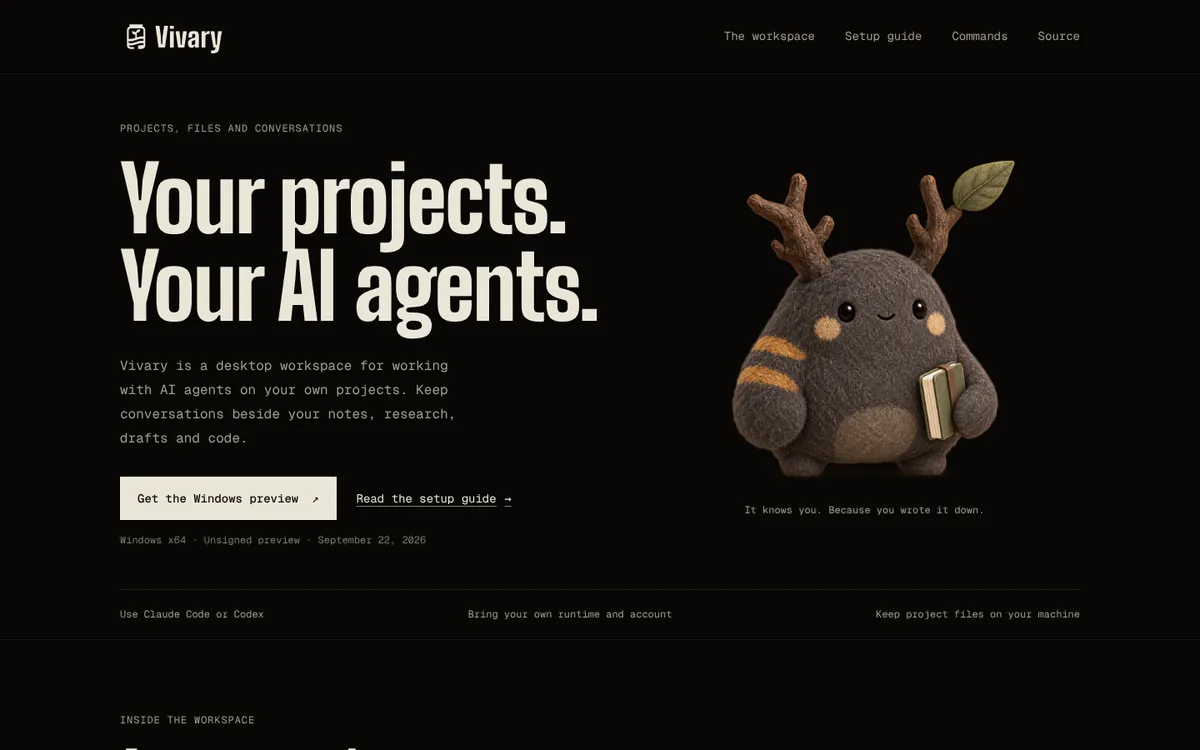
A desktop workspace for working with AI agents on your own projects. Agent chat, project files, tools, and memory in one app, with your agents, credentials, files, and history kept on the machine that runs it.
What it is
One app where you open a project, talk to an agent about it, and watch what the agent does to your files. The agents, your credentials, your files, and the conversation history stay on the machine that runs Vivary.
- Work on a project
- Open a project and work with an agent that can read files, edit them, and run tools. Every change lands in your own folder.
- Come back to it
- Return to a project’s conversations, search past sessions, and keep the memory worth keeping in files you can open.
- Use the harnesses you have
- Supported coding harnesses you already installed, such as Claude Code, run inside the workspace with their own tools. Guidance for them lives in files in the project.
- See what you’re building
- Preview the site or dashboard the agent is working on, and let the agent inspect and debug it.
- Reach it from your phone
- Run it on your computer or on a server of your own. Connect a phone browser only when you turn on remote access.
What it asks of you
- No Vivary account
- Local desktop use needs none. Your provider accounts are yours and separate.
- Remote access is opt-in
- Off until you set it up, and authenticated when it’s on.
- Windows first
- The desktop app targets Windows. A Mac build is possible later work, not a promise.
Status
In development. A Windows preview came out on Sept 22, 2026 as a pre-release: an unsigned portable ZIP, not a stable release. The release queue lists what is verified and what is still required, in the open. Open source under MIT.
The original Vivary command-line tools, which scaffold typed memory for agent workspaces, are preserved as @vivary/create on npm and create-vivary on PyPI. They are not the desktop app.